

First Lane Marg, Kumaripati-5,
Lalitpur Metropolitan City, Nepal


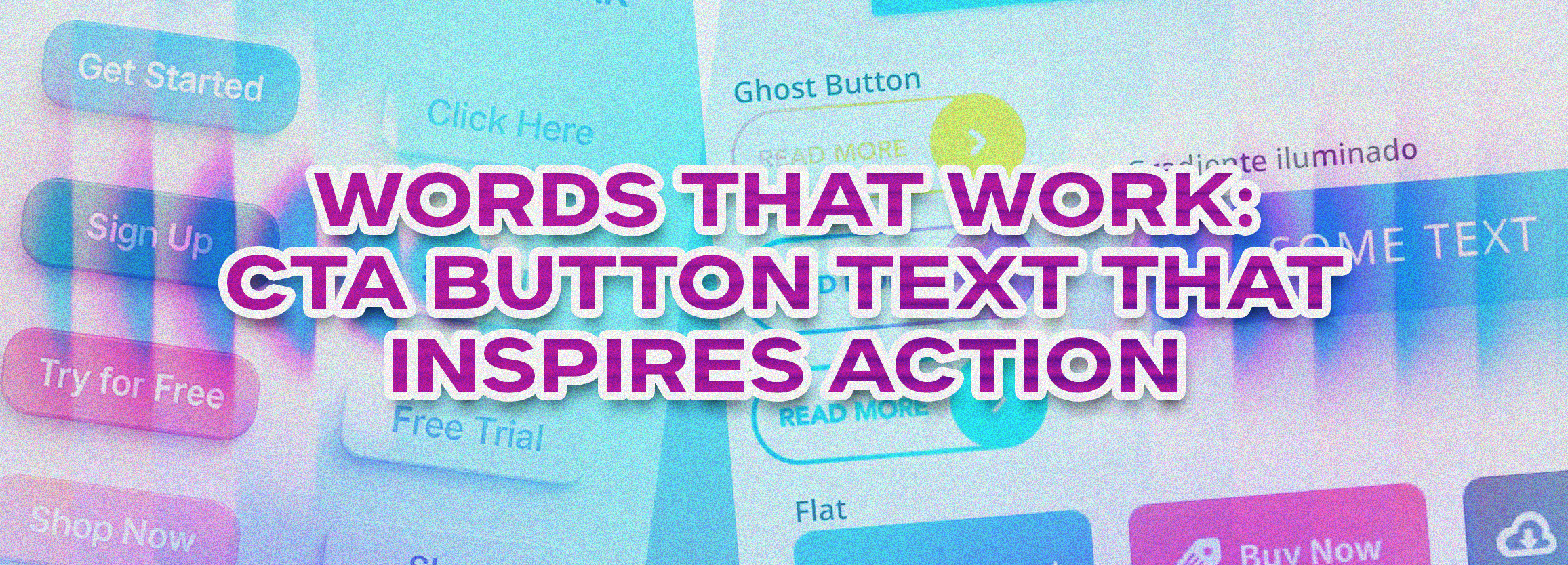
As a small business owner, startup founder, or SaaS marketer, you know that every click counts. Your CTA button text—the words that appear on buttons like “Buy Now,” “Get Started,” or “Learn More”—can make or break your conversion rates. Even the most beautifully designed website won’t generate leads if your buttons fail to motivate action.
In this guide, we’ll explore how to craft CTA buttons that drive user engagement, improve click-through rates, and boost your business growth. You’ll also get actionable frameworks and real-world examples to implement immediately.
Your CTA buttons are the gateways to conversion. They guide users toward taking action—whether it’s signing up for a newsletter, booking a consultation, or making a purchase.
Example: A study by HubSpot found that changing a CTA from “Submit” to “Get Your Free Guide” increased conversions by 38%. That’s the power of words that work.
Start your button text with strong verbs like:
Example:
Action verbs make the desired action clear and create urgency.
Users want to know what’s in it for them. Include benefits or outcomes:
Highlighting value turns passive readers into active leads.
Buttons should be scannable. Limit your button copy to 2–5 words whenever possible.
Urgency encourages immediate action:
Tailoring CTA buttons to your audience increases engagement:
Mini Case Study: A SaaS startup saw a 25% increase in demo requests by changing the CTA from “Learn More” to “Start My Free Trial Today.”
Ask: What does the user get? How will it solve their problem?
Pick from high-converting verbs like: “Get,” “Start,” “Claim,” “Discover.”
Combine urgency, benefit, and personalization:
Use A/B testing to compare different CTA buttons. Tools like Hotjar, Google Optimize, or Optimizely can provide insights.
| Business Type | Original CTA | Optimized CTA | Result |
|---|---|---|---|
| SaaS | Sign Up | Start My Free Trial | +30% conversions |
| E-commerce | Buy | Claim Your 20% Discount | +22% CTR |
| Local Service | Contact Us | Book Your Free Consultation | +25% leads |
Example: On a SaaS landing page, the header CTA might say “Start My Free Trial,” while a mid-page button could reinforce with “Get Your Free Audit Now.”
Pro Tip: Small changes in button text can produce 20–40% lift in conversions without redesigning your entire page.
CTA button text refers to the words on a clickable button that prompts users to take action, such as “Get Started” or “Book a Free Consultation.”
Use action verbs, communicate benefits, create urgency, and keep your text concise. Test different versions to see which converts best.
Ideally 2–5 words for clarity and scannability. Avoid overloading users with information on the button itself.
Yes! Personalization increases engagement. Examples include “Start My Free Trial” instead of generic “Start Trial.”
Effective CTA buttons guide users toward actions like service inquiries, consultation requests, or demo sign-ups, increasing lead capture.
Learn how we can help your business optimize CTA buttons for higher conversions.
Your CTA buttons are more than just clickable text—they’re critical drivers of user engagement, lead generation, and conversions. By applying action-oriented, benefit-driven, and urgency-focused copy, you can significantly improve your website’s performance.
At Global Digital, we specialize in creating conversion-optimized websites, compelling button copy, and marketing strategies that drive measurable results. Our team works with small businesses, startups, and SaaS companies to craft CTAs that inspire action and generate leads.
Ready to take your conversions to the next level? Book a meeting today!