

First Lane Marg, Kumaripati-5,
Lalitpur Metropolitan City, Nepal



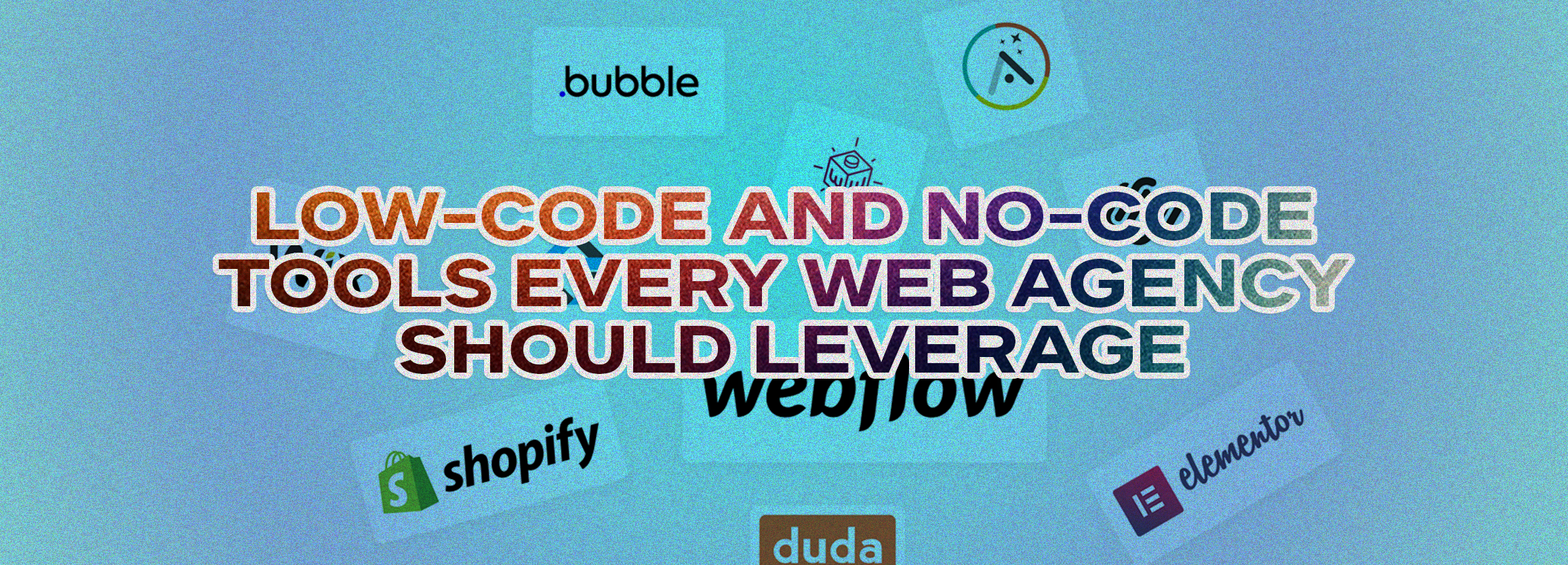
Discover essential low-code and no-code tools every web agency should leverage to boost efficiency, web design, and CMS capabilities globally.
In today’s fast-paced digital landscape, web agencies face mounting pressure to deliver high-quality websites efficiently. Traditional web development can be slow, costly, and complex. Low-code and no-code tools are transforming this process, allowing agencies to build websites, apps, and CMS workflows quickly—even without deep technical expertise.
At Global Digital, we’ve helped agencies streamline development, accelerate delivery, and maximize ROI using these platforms. From small projects to enterprise-level websites, understanding the best low-code and no-code tools is essential to stay competitive globally.
Low-code platforms reduce manual coding by providing visual interfaces, drag-and-drop builders, and pre-built components. While coding is optional, these platforms allow developers to extend functionality when needed, making them ideal for scalable, complex projects.
No-code platforms allow non-developers to create functional websites, web apps, or CMS systems entirely through visual interfaces. Marketing teams, designers, and business owners can contribute directly to project creation, accelerating deployment and reducing dependency on developers.
Projects that once took weeks can now be completed in days, letting agencies take on more clients without expanding teams.
Fewer development hours reduce costs, increase margins, and allow competitive pricing for clients.
Designers can experiment freely with layouts, animations, and CMS workflows, fostering innovation and creating visually compelling sites.
No-code = simplicity
Low-code = customizability
Check API, plugin, and workflow capabilities to fit into CMS and analytics systems.
Low-code and no-code tools empower agencies to:
Start leveraging these tools today to stay competitive and maximize ROI.
CTA: Contact Global Digital to grow your business online.
Low-code requires some coding and allows more customization. No-code uses visual development with no coding required.
Yes. No-code tools are designed for marketers, designers, and business owners to create websites or apps without coding expertise.
Webflow (CMS), Bubble (interactive apps), OutSystems (enterprise-scale apps).
Most low-code/no-code platforms provide enterprise-grade security. Agencies should verify compliance for each project.
Savings vary, but agencies typically see 30–50% reductions in development hours plus faster project turnaround.